Features
Everything myAviLink can do
Your friends get buttons for the toggles and looks you shared. Switch on whatever else you want them to see or use.
On your friends page
Everything past your toggles and looks stays off until you switch it on.
Looks
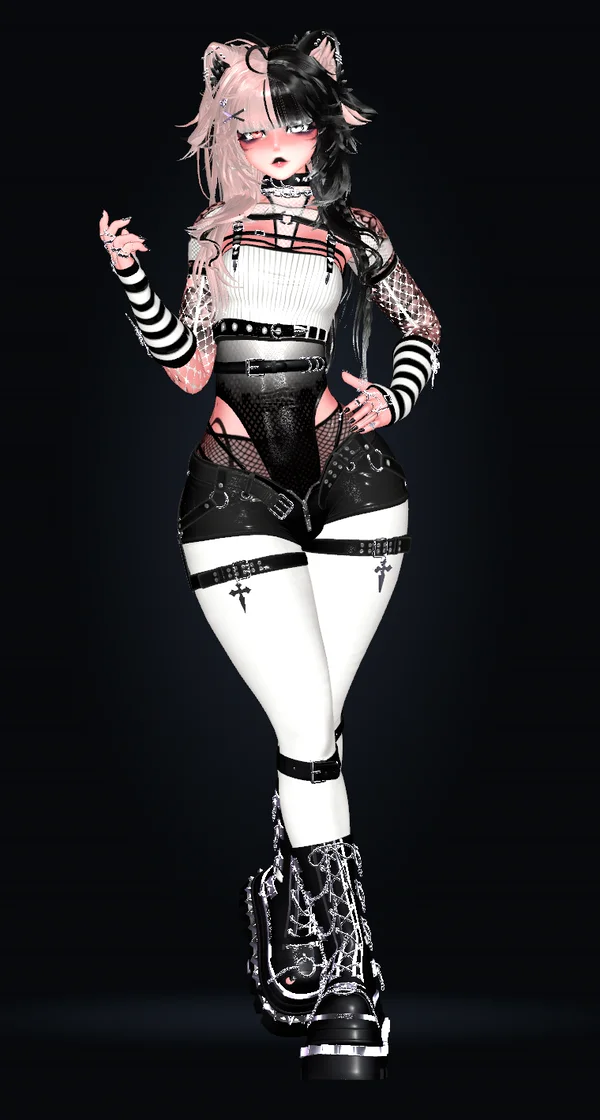
Save an outfit in the app and your friends put the whole look on with one press.
Random look
One press rolls a whole new outfit. Mark a toggle "Skip when randomizing" to keep it off the dice.
Your links
Add your Discord, your stream or your Ko-fi under the buttons.
Heart rate
Wear a heart rate monitor and your pulse shows up live.
Music
The song you're playing shows up, cover and all.
Height
Your friends can make you taller or shorter, inside a range you set, in worlds that allow it.
Movement pad
Hand your friends a pad to walk you around the world, once you turn it on.
OpenShock and toys18+
18+. Let friends press your OpenShock shockers or move sliders for your toys, up to the most you set. Works with Bluetooth toys and Lovense Remote.
In the app
The window on your PC where you pick what to share.
How friends get in
Just the link, a 4-digit code, or Ask to join: friends type a name and a popup asks you to let them in.
Auto detect
Can't find which toggle is the hat? Flip it in game and the app points at it.
Kick or block
Kick anyone off your friends page, or block anyone who keeps coming back.
Chatbox
Say what friends changed in your VRChat chatbox, like "myAviLink · turned on Ears".
Preview
See your friends page exactly as they do, right next to the app.
Search everything
Press Ctrl K for every action and toggle.
Starts with SteamVR
Turn it on in Settings and the app starts in the tray whenever SteamVR does.
Start with two or three toggles
Share a couple tonight and see which one your friends press first.