Let your friends toggle your avatar.
Pick what your friends can change and send the link. They press a button in their browser and your avatar changes in VRChat, no app or account needed.
How it works.
You set it up in the app. Your friends only need a browser.
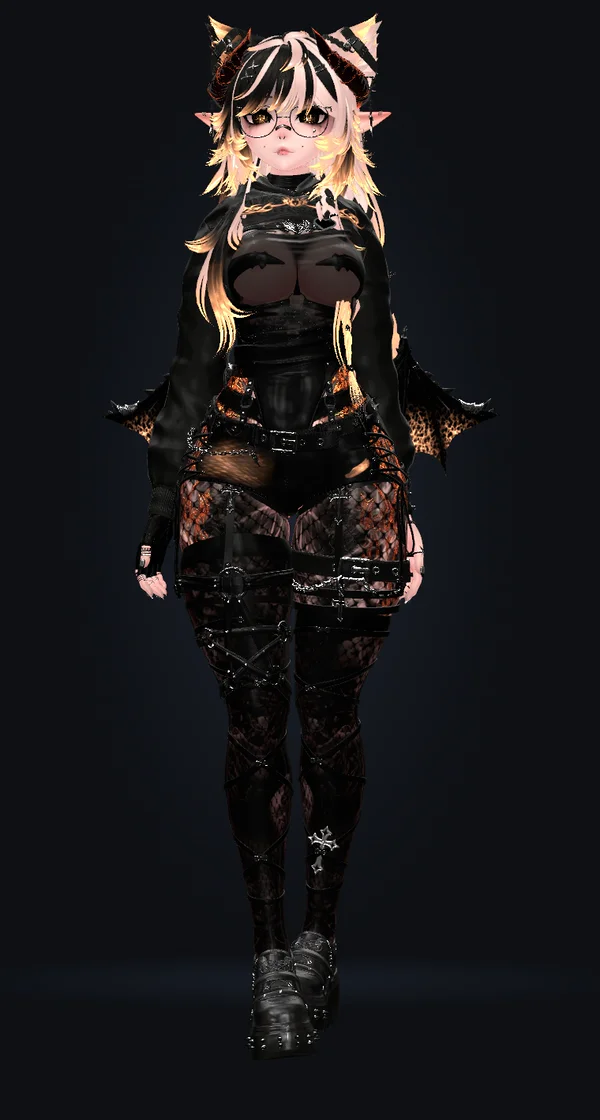
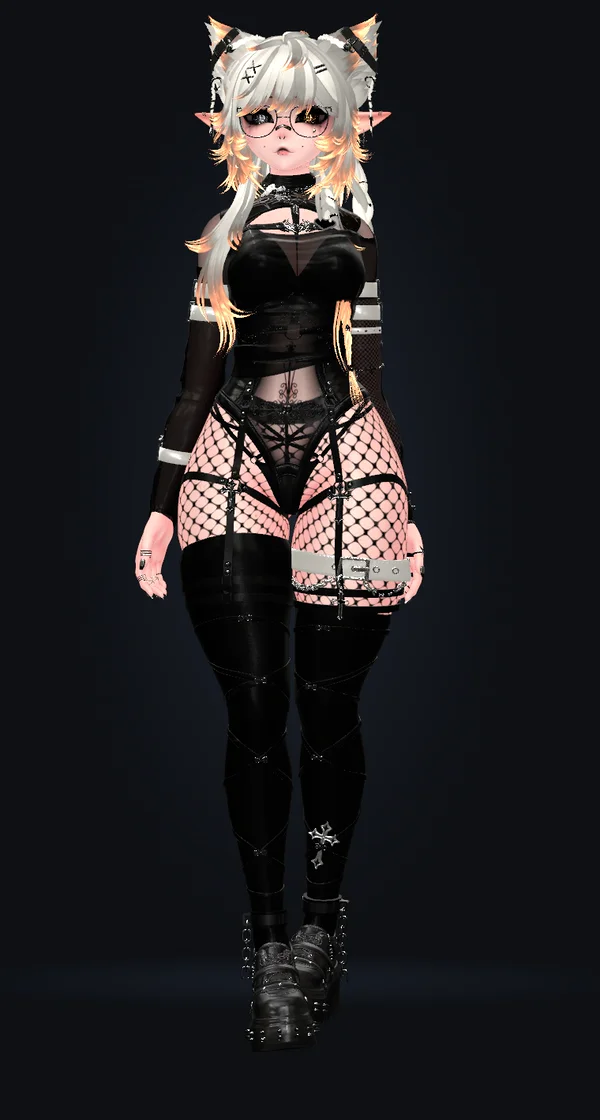
Dress your avatar the way you like and save it as a look.
This is the page your friends get.
Press anything on the phone and watch the avatar change.
Setup takes about a minute.
Run it
One exe, no installer. Turn on OSC in VRChat (Action Menu → Options → OSC) and it finds your avatar.
Pick what your friends control
Choose the toggles and sliders they get. Everything else stays hidden.
Send the link
Put it in your VRChat bio or send it to friends on Discord.
More on your friends page.
Heart rate, music and height stay off until you turn them on.
22 designs
Pick a style for the app and your friends page. Some have a slow moving background.
Preview shows your friends page right next to the app.
Your heart rate and your music
Wear a heart rate monitor and your friends see your pulse live.
Play music and your friends see the song, with its cover.
Your links
Add up to eight links under your page: your VRChat profile, your Discord, your stream, your shop. Each one shows its site's logo.
Mark one as 18+ and your friends see that next to it.
Height
Let your friends change how tall you are, set a minimum and maximum height.
People here
Everyone sees how many people are on the page.
Your page title
Name the page whatever you like.
Asleep
When OyasumiVR says you're asleep, your friends page can pause the controls and turn to night until you wake up.
Works with the apps you already run.
Turn on the ones you use.
XSOverlay
Start or stop sharing and switch looks from your wrist, without opening your Desktop.
OyasumiVR
Fall asleep and your avatar changes into its sleep look. Your friends page can pause until you wake up.
Heart rate monitors
Connect a Bluetooth strap or watch, and heart rate prefabs for HRtoVRChat, Pulsoid and VRCOSC just work.
Spotify and other players
Spotify, Apple Music, YouTube Music, TIDAL and more. No login needed.
The rest of it.
Random look
One press rolls a whole new outfit. Give your friends the button or keep it for yourself.
Anything marked "Skip when randomizing" stays put.
Auto detect
Not sure which of 806 parameters is the hat? Flip it in game and the app finds it.
Blocked prefixes
Hide whole groups of parameters from the app, so they can never be shared by accident.
Face tracking and GoLoco are always blocked.
Movement pad
Let your friends walk you around with an on-screen pad.
Ctrl K
Find any action or parameter from the keyboard.
Kick or block
Kick someone off your friends page, or block their IP address to keep them out.
Other OSC apps
VRCFaceTracking and other OSC apps keep working while it runs.
Compressed avatars
Works with VRCFury's Parameter Compressor and the Memory Optimizer.
Starts with Windows
Turn it on in Settings and it waits in the tray until you need it.
It's safe to leave running.
Your PC checks every press
Only what you share leaves your PC. Every press is checked before it reaches VRChat.
Built-in rate limits
Each control can change at most once per second. Looks and height are limited to one change every 10 seconds.
An optional code
Add a 4-digit code on top of the link.
Nothing can connect in
The app only connects out. Nobody gets your IP.
Nobody can take your link
Encrypted to our server, and only your PC can claim your link.
Adult stays locked
Anything marked adult stays locked while Safety mode is on.
Signed updates
An update only installs if it's signed by us, and never while you're sharing.
Stopping is one press
In the window, the tray or your wrist menu. Quitting stops sharing too.
Questions.
Does it work on Quest?
Through a PC, yes. The app runs on the same Windows PC as VRChat, so a Quest on Link, Air Link or Virtual Desktop works. VRChat running on the Quest by itself doesn't.
Does it work in desktop mode?
Yes. Your friends can change your avatar the same way. XSOverlay and OyasumiVR are VR apps, so those two need a headset.
Do my friends need VRChat?
No. Your friends open the link in any browser, on a phone or a computer, with no account. To see what they changed, they need to be in your world or watching your stream.
Is it allowed in VRChat?
It uses OSC, which VRChat built so other apps can talk to it. Face tracking and heart rate apps use it too. Nothing in the game is modified.
Can strangers control my avatar?
Only people with your link, and only what you picked. You can add a 4-digit code to the link, and kick or block anyone from your friends page.
Is there a Mac or Linux version?
No, it runs on Windows 10 and 11. Your friends can use any phone or computer.
Is it free?
Yes. No account, no subscription and no ads, for you or your friends.
Start with two or three parameters.
Share a couple of toggles and see what your friends press first.